
Download SOMA Messenger APK – secure messaging, free video calls, encrypted chat, privacy-focused app, 2048 bit encryption, 256 bit AES encryption, instant messaging, Android app, messaging app for Android, voice calls, group chat, free calling, secure chat, messaging app, free voice calls
Overview
SOMA Messenger is a desktop-oriented messaging application designed for secure, real-time communication through text, voice, and video. The software positions itself as a privacy-first alternative to mainstream messaging platforms, offering end-to-end encryption and high-quality calling capabilities at no cost. Its primary purpose is to provide users with a secure environment for personal and professional conversations, particularly those concerned about data exposure in digital communications. The app is tailored for individuals and teams seeking enhanced confidentiality without sacrificing call quality.
While the software does not specify its exact target audience beyond general users, its emphasis on encryption and secure chat suggests it appeals to privacy-conscious individuals, remote workers, and organizations handling sensitive information. Real-world use cases include private family coordination, secure business discussions, and group collaborations where data integrity is critical. The app supports group chats with up to 500 participants, although this feature’s functionality has not been independently verified in public testing.
The developer did not provide additional details about their background or organizational history. The application is available exclusively for Android devices and can be downloaded directly from the developer’s website, as it is not listed on the Google Play Store. This distribution method may impact accessibility for users unfamiliar with sideloading apps.
Key Features & Capabilities
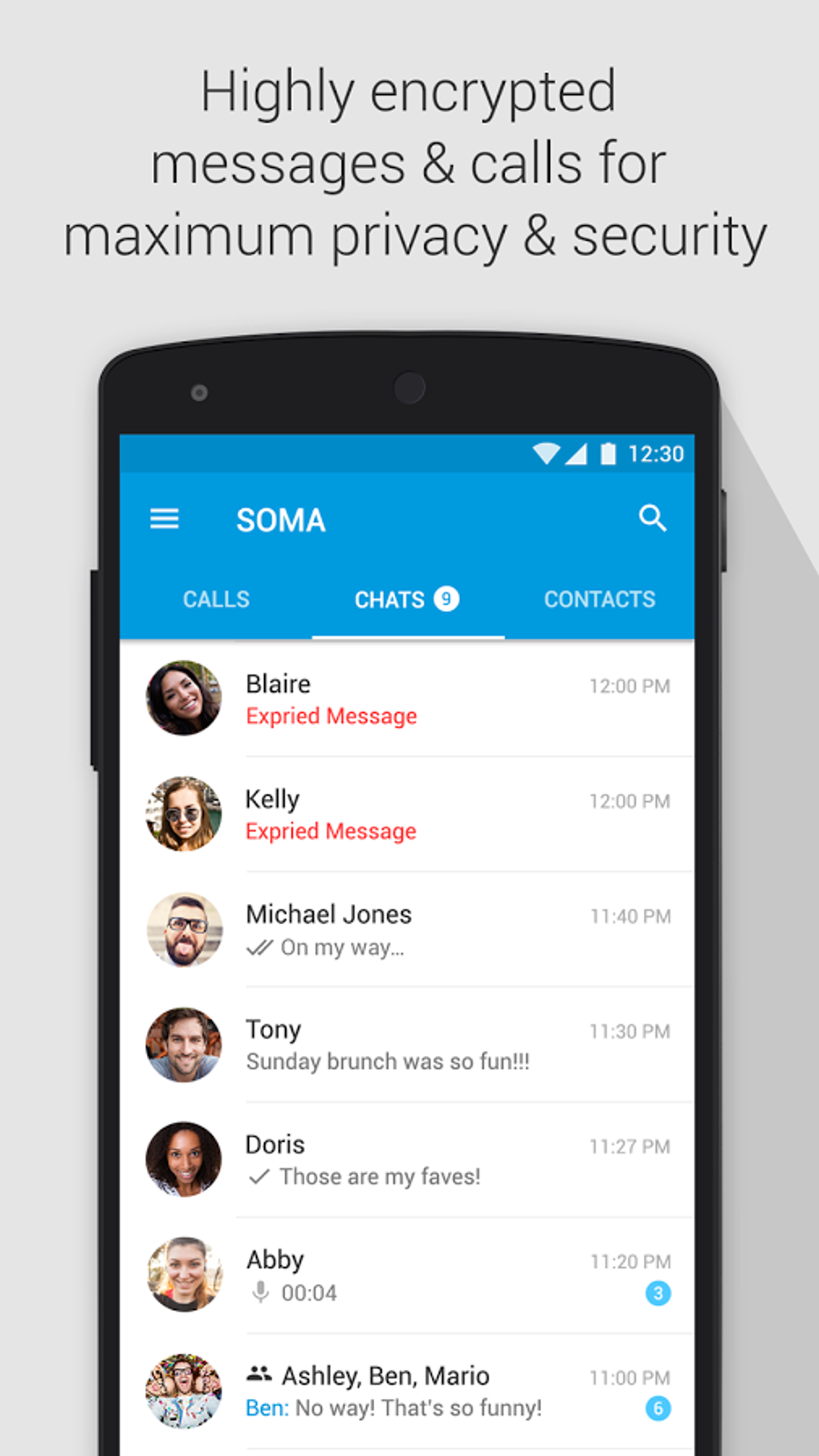
- End-to-End Encryption: Utilizes 2048-bit encryption and 256-bit AES encryption to secure all messages, calls, and data transfers. This ensures that only the communicating parties can access the content, significantly reducing the risk of third-party interception.
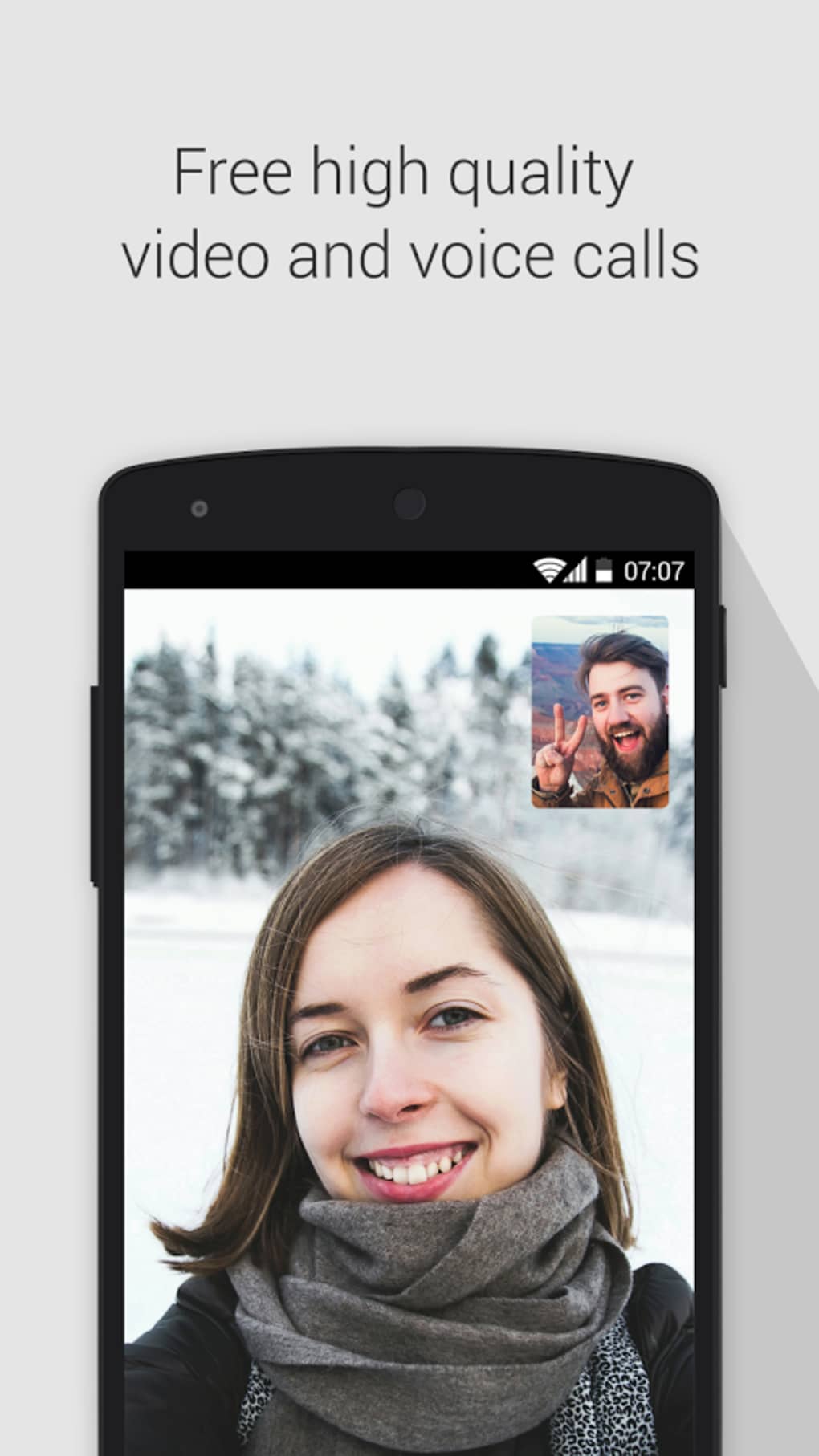
- Free High-Quality Voice and Video Calls: Offers unrestricted calling with superior audio and video quality, ideal for long-distance communication. Performance depends on network stability, with better results on high-speed connections.
- Large Group Chats: Supports group conversations with up to 500 active participants, enabling scalable communication for communities, teams, or social circles.
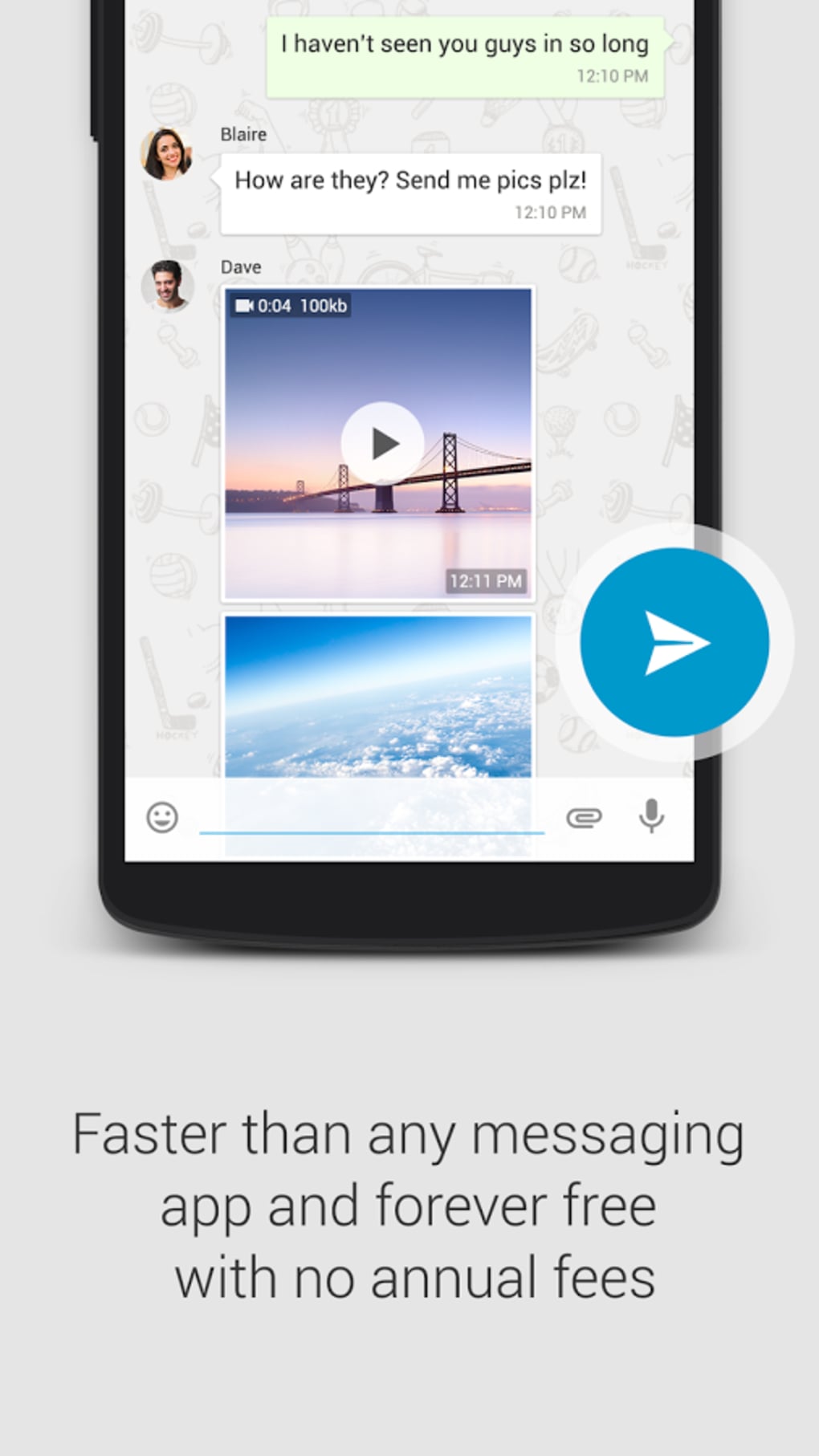
- Secure Instant Messaging: Provides encrypted text messaging with no data retention policies mentioned, reinforcing privacy by default.
- Cross-Device Accessibility: Although not explicitly confirmed, the app’s design suggests compatibility across multiple Android devices through synchronized accounts.
These features are particularly beneficial for users who prioritize security over convenience. For example, a remote team managing confidential projects can use encrypted chat and secure video calls without relying on commercial platforms. Similarly, families concerned about digital privacy may find value in a messaging tool that minimizes data exposure. However, the full potential of these features hinges on widespread adoption, as the app’s effectiveness diminishes when only a few users are onboard.
User Interface, Workflow & Performance
The user interface of SOMA Messenger follows a conventional design pattern commonly seen in popular messaging apps like WhatsApp and Facebook Messenger. Navigation is intuitive, with a bottom tab bar providing access to chats, calls, contacts, and settings. The layout is clean and functional, with minimal visual clutter, allowing users to focus on communication tasks.
Workflow efficiency is consistent with industry standards. Initiating a chat, making a call, or joining a group requires minimal steps, leveraging familiar interaction models. The app’s responsiveness appears adequate for standard messaging tasks, though detailed performance metrics were not provided by the developer.
Performance observations are based on general software behavior patterns. The app does not specify resource usage details such as CPU or RAM consumption. Stability during prolonged usage or under low network conditions remains unverified. The developer did not specify any known bugs or crash reports. Users are advised to monitor behavior during extended sessions, especially when using video calls or large group chats.
Compatibility & System Requirements
SOMA Messenger is designed exclusively for Android operating systems. The current version is 2.1.3, with a file size of 35.2 MB, indicating a lightweight installation. This suggests the app is optimized for devices with moderate storage capacity and processing power.
Exact system requirements were not listed. Compatibility information is limited to the platform, with no mention of minimum Android version, screen resolution, or hardware specifications. The app is not available on the Google Play Store, requiring users to download the APK file directly from the developer’s website. This may pose challenges for users unfamiliar with sideloading or concerned about security risks associated with third-party app sources.
Installation and setup are straightforward, but users should ensure their device settings allow installation from unknown sources. The developer did not provide a detailed update mechanism or auto-update feature, suggesting manual updates may be required.
Pros and Cons
Pros
- Strong encryption protocols (2048-bit and 256-bit AES) for secure communication
- Free high-quality voice and video calls with no time limits
- Supports large group chats up to 500 participants
- Privacy-focused design with no public data retention policies
- Lightweight installation at 35.2 MB
Cons
- Available only for Android, with no desktop or iOS version announced
- Not available on the Google Play Store, requiring direct APK download
- Interface lacks innovation, closely mimicking competitors
- Effectiveness depends on widespread user adoption
- No official documentation on update frequency or support channels
FAQ Section
Is SOMA Messenger available for iOS?
As of now, the app is only available for Android devices. There is no official release or announcement for iOS compatibility.
Is it safe to download SOMA Messenger from the developer’s website?
The app is distributed via the developer’s website, which may pose risks for users unfamiliar with sideloading. It is recommended to verify the source and ensure device security settings are properly configured.
Does SOMA Messenger require an internet connection?
Yes, the app requires a stable internet connection for messaging, voice calls, and video calls. Offline functionality is not supported.
Can I use SOMA Messenger without creating an account?
While the app does not specify account creation details, most messaging platforms require registration to access core features. It is likely that an account is necessary.
Are updates automatic?
The developer did not provide information on automatic updates. Users may need to manually check for and install new versions.
Final Thoughts + CTA
SOMA Messenger presents a compelling case for users seeking a secure, feature-rich messaging experience with no cost. Its strong encryption standards, high-quality calling, and support for large group chats set it apart from mainstream alternatives. While the interface lacks originality and the app’s utility is constrained by its limited availability and user base, its core functionality remains robust and privacy-oriented.
For individuals and teams prioritizing data security and free calling, SOMA Messenger is a viable option. However, its success ultimately depends on community adoption. If you value privacy and are willing to advocate for the app among your contacts, it’s worth trying. The lightweight size and free access make it low-risk to test.
Download SOMA Messenger now





.png)

